Data Handling KS2 Maths Games
Interactive maths games to help teach data handling.
| Description | | Description | |
| Probability |
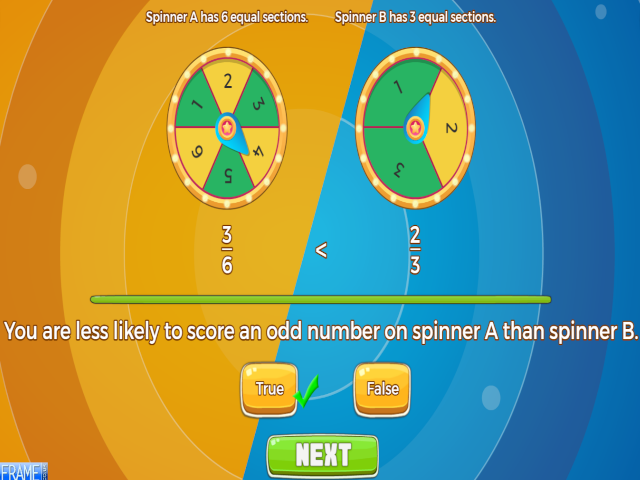
Work out the probability of scoring a number, or range of numbers, on a number spinner and answer in either fractions, decimals, percentages, or on a number line.
Compare the probability of an event on two different number spinners and say which is more likely.
| VIEW |
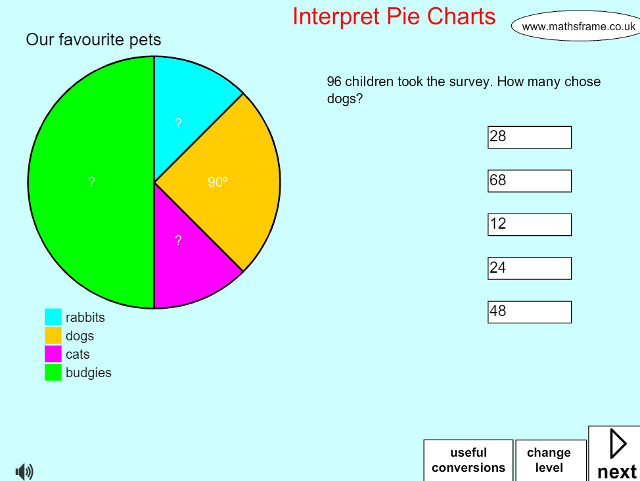
| Interpret Pie Charts |
| VIEW |
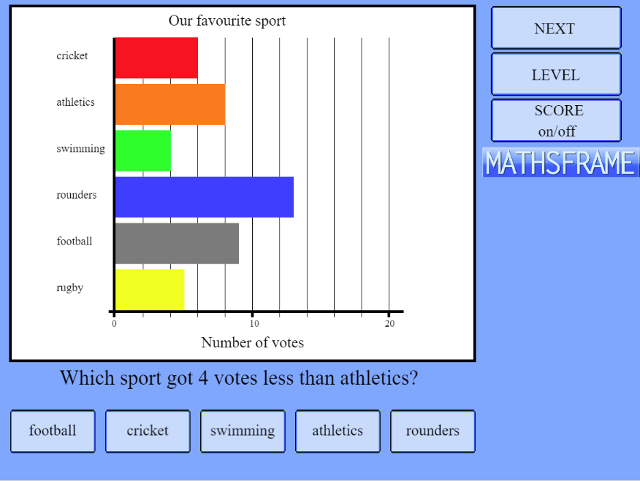
| Bar Charts |
| VIEW |
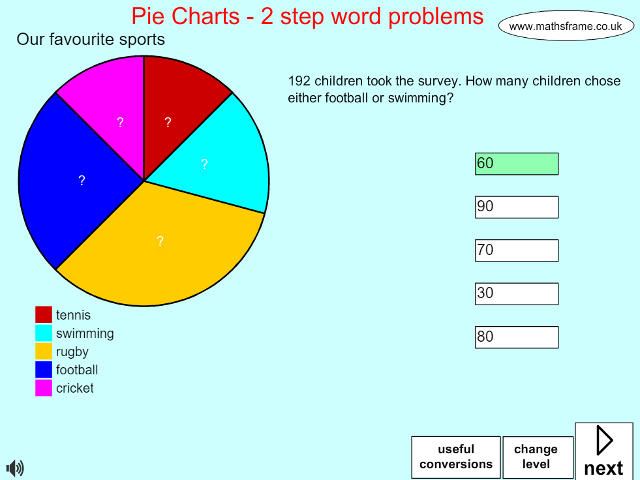
| 2 step problems pie charts |
| VIEW |
| ITP Data Handling |
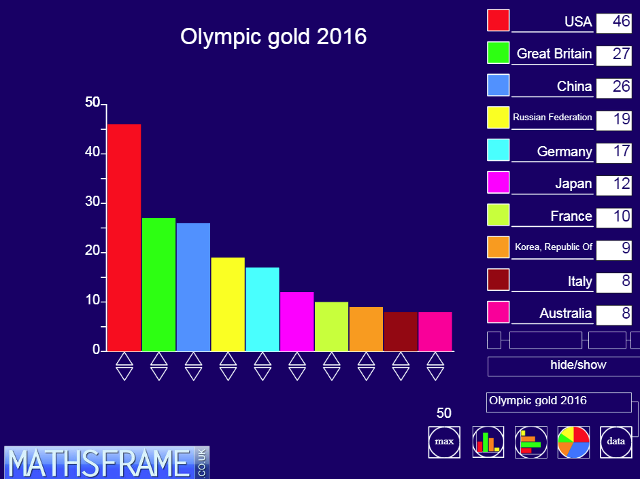
View full screen in your browser. This ITP allows you to enter data into a table and then create a vertical bar chart, a horizontal bar chart or a pie chart. You can select from existing data sets, which you can amend to show the impact and change on the charts, or enter data the children collect.
Parts of the table can be hidden so that you can ask questions about the data, for example, hiding the data values so pupils are to read the values from the graph. The height of the bars in the bar chart can be increased or decreased using the pointers at the base of each bar. This will also change the values in the table and where appropriate adjust the scale.
This resource is freely available to download from the archived Primary Framework site
For more resources involving data handling click here.
| VIEW |
| ITP Line Graph |
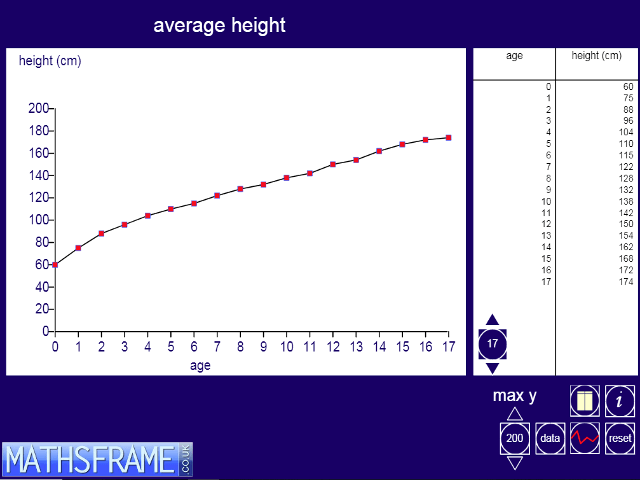
View full screen in your browser. This ITP allows you to enter data into a table and then create a line graph to represent the data. You can select from existing data sets, which you can amend to show the impact and changes to the graph. The data table can be hidden so that you can ask questions about the graph, for example, what a horizontal section on the graph means. As data is changed the line graph is updated.
Points on the graph can be dragged up or down to create new graphs and see the data change in the data table. The maximum value on the vertical axis can be changed and the effect of changing this scale can be demonstrated.
The ITP can be used to introduce children to line graphs, to enable them to draw their own and to explore the properties and the ‘story’ told by these graphs.
This resource is freely available to download from the archived Primary Framework site.
For more resources involving data handling click here.
| VIEW |
| ITP Twenty Cards |
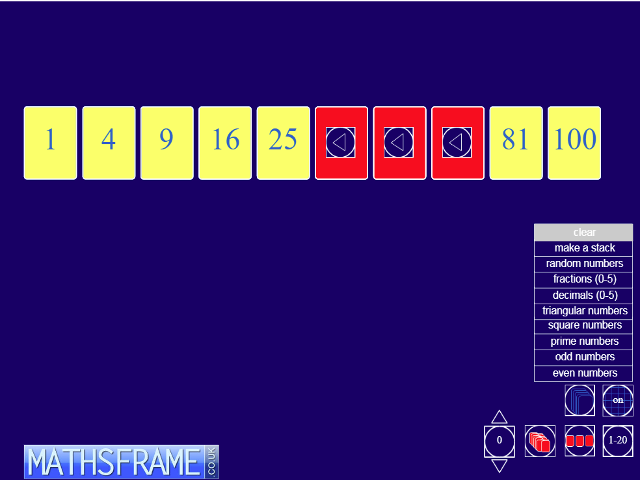
View full screen in your browser. This ITP create stacks of numbered cards and individual cards. Cards appear face down. They can be moved around the screen with or without the help of a hidden grid, ‘turned over’ to display the card’s number and deleted. Cards can be sequenced or generated as a random set, to include whole numbers, decimals or fractions.
The ITP can be used to display sets of different numbers that children can compare and order. The stacks created can support work on identifying, describing, extending and generating sequences. Different stacks can be used to display and reorganise particular numbers from which children can hypothesise and go on to explore properties and patterns in numbers.
This resource is freely available to download from the archived Primary Framework site.
| VIEW |
| ITP Number Spinners |
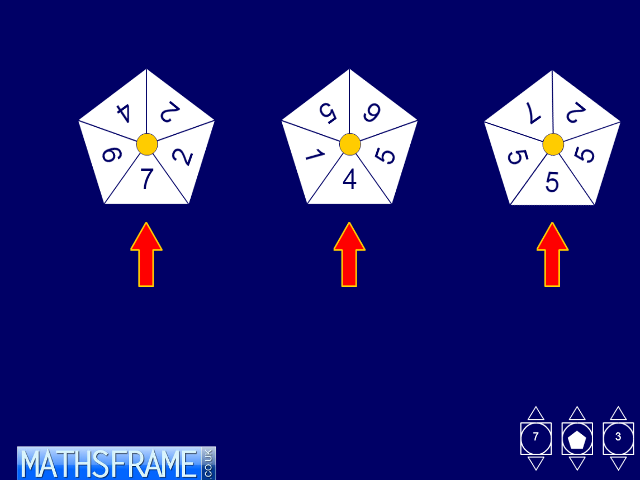
View full screen in your browser. This ITP generates random numbers using ‘spinners’ with 3, 4, 5 or 6 sides. Using the pointers on the numbered button, you can create one, two or three spinners at a time. The pointers on the shape button allow you to select the number of sides. Once this has been determined, click on the shape in the button to display the spinners. By clicking on the centre point of a spinner the spinner will spin to generate a random number identified by the arrow.
The numbers on the spinners can be changed. They toggle when you click on them. The ITP can be used to generate data quickly and help children to understand the behaviour of random numbers. Using two spinners you can look at the distribution of the sums and differences between the numbers generated and introduce situations where children are asked to predict outcomes, which they can then test with the data generated by the ITP.

This resource is freely available to download from the archived Primary Framework site.
| VIEW |