| Description | | Description | |
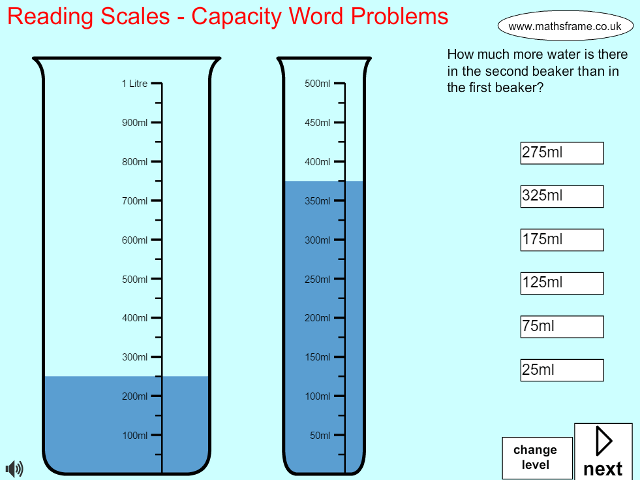
| Reading Scales - Capacity Word Problems |
| VIEW |
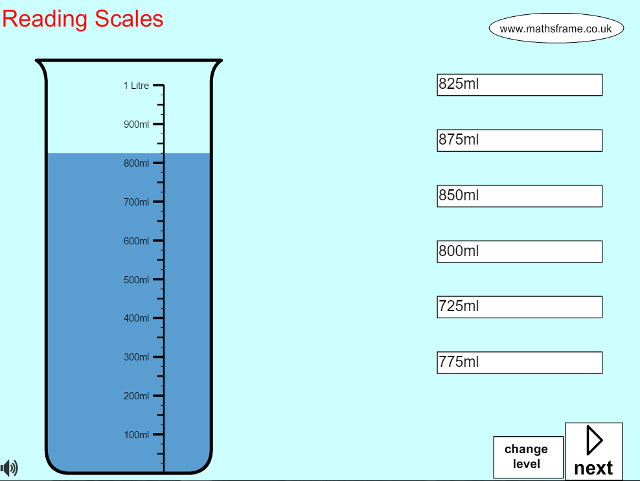
| Reading Scales |
| VIEW |
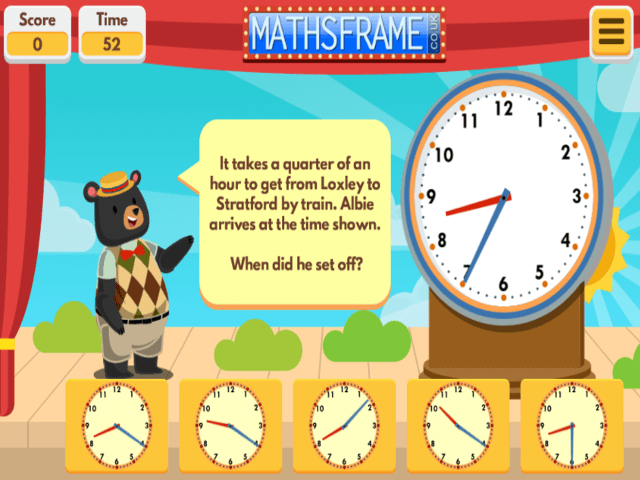
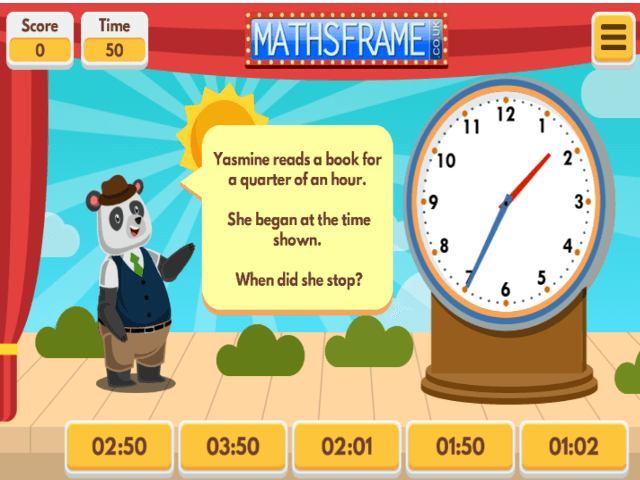
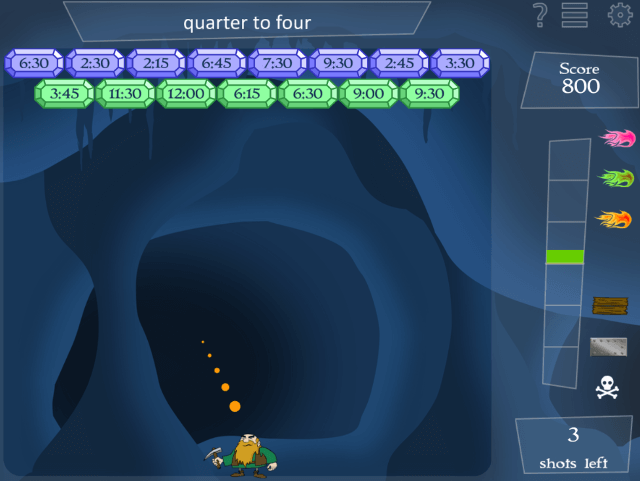
| Find the Start Time |
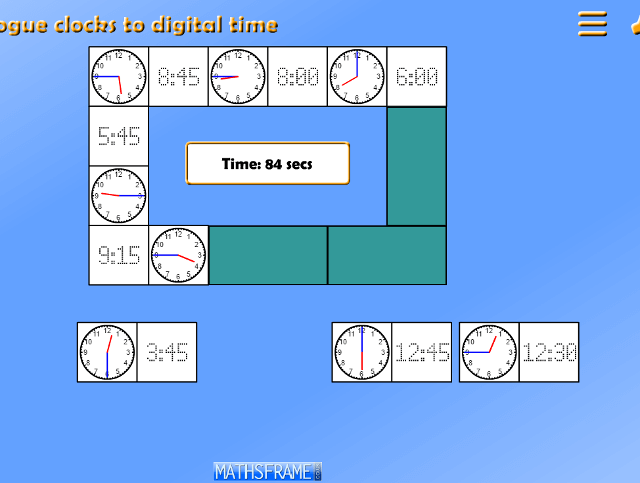
Find the start time for a given time interval.
Find the correct time on an anologue or digital clock. Lots of choice of level, including: subtracting 1 hour, multiples of 5, or 10 minutes or subtracting multiples of a quarter of an hour.
For more measuring and time resources click here.
** updated May 2013 to include a scoreboard**
| VIEW |
| Adding Time Word Problems |
Read the time on either an analogue or digital clock and then answer a word problem involving adding a given time. Find the correct time on an anologue or digital clock. Lots of choice of level, including: adding 1 hour, multiples of 5, or 10 minutes or adding multiples of a quarter of an hour.
For more measuring and time resources click here.
** updated May 2013 to include a scoreboard**
| VIEW |
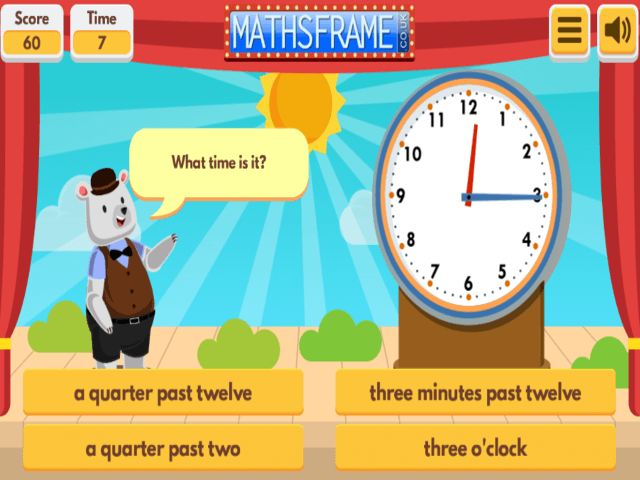
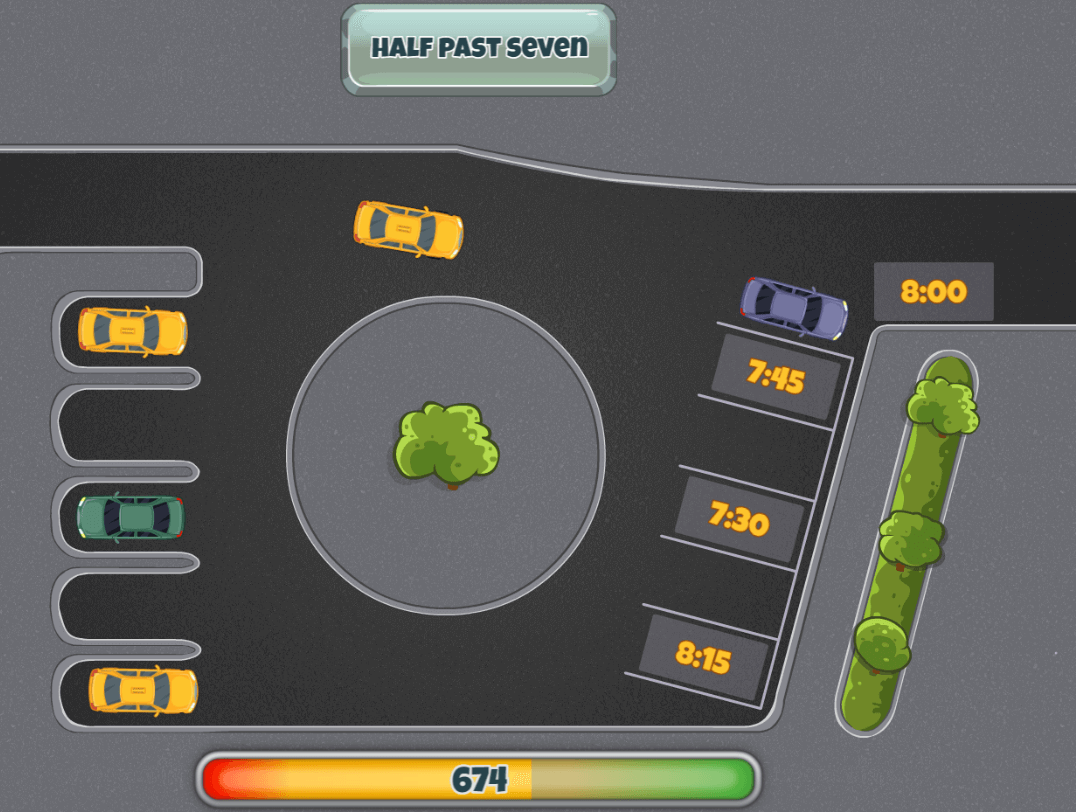
| Telling the Time in Words |
| VIEW |
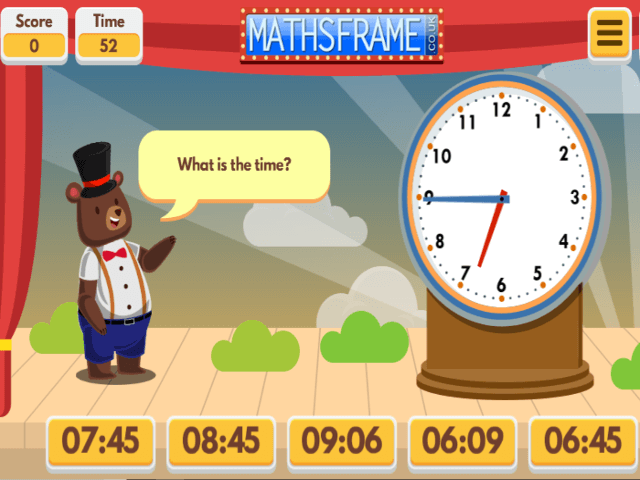
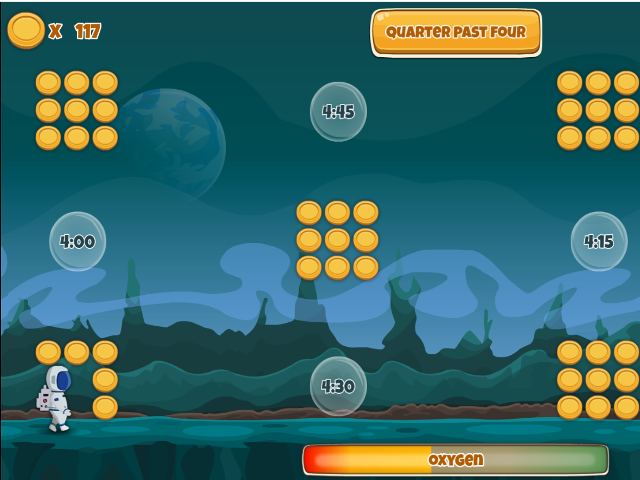
| Telling the Time |
Read the time on an analogue clock. Lots of choice over levels, including: reading time to the nearest hour, half hour, quarter hour, five minutes or minute. Options include using a 24 hour clock and seeing how many correct answers you can get in a given time.
** update May 2013 - I have improved this game and added a scoreboard**
For more measuring and time resources click here.
| VIEW |
| Balancing Scales g and kg |
| VIEW |
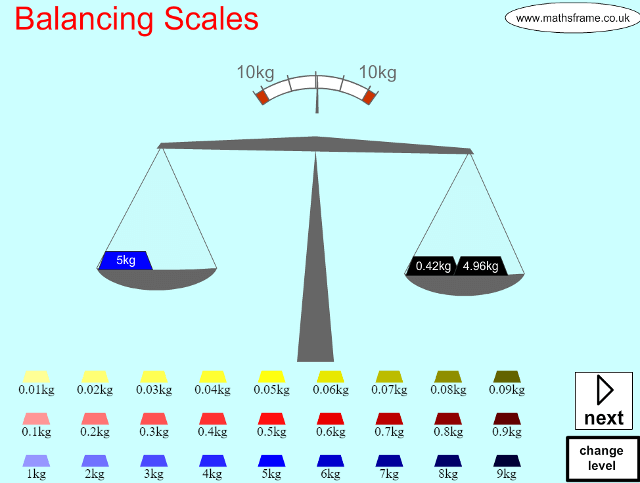
| Balancing scales - convert between g and kg |
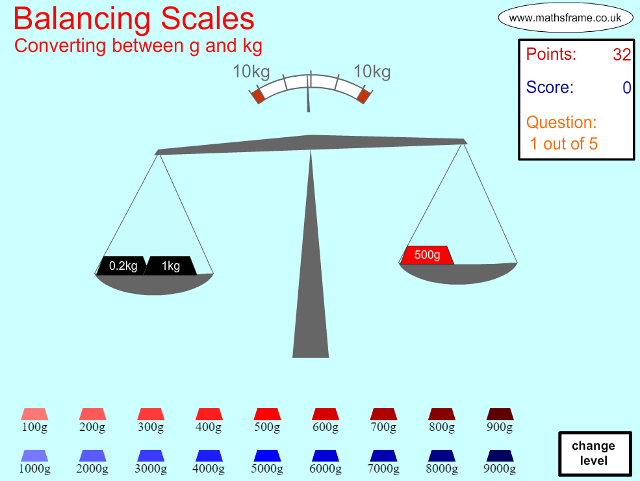
The scale is loaded with between 1 and 4 weights. The user then has to balance the scales, converting between g and kg in the process. There is a great deal of control over the level.
A great starter to explore addition, subtraction / difference and partitioning as well as the relationship between grams and kilog More…rams. Levels include converting whole kg to g (and vice versa), converting fractions of kg (eg 1/4kg = 250g) and weights in kg to 1 and 2 decimal places.
For more measuring resources click here.
For more addition and subtraction resources click here.
| VIEW |
| Balance scales - add, move or remove a weight |
| VIEW |
| Timetable |
| VIEW |
| Temperature - Word Problems |
| VIEW |
| ITP measuring cylinder |
October 2012 - I have added a new game in which you read numbered and unnumbered scales on a range of different measuring equipment. Click here to play
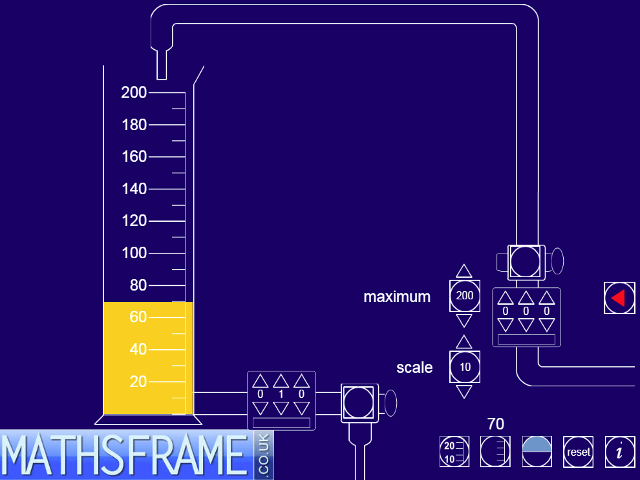
View full screen in your browser. This ITP allows you to control two taps that pour a liquid in and out of a measuring cylinder. You can set the scale on the cylinder to a maximum of 50, 100, 200, 500 or 1000 units and the scale interval to 1, 2, 5 or 10 units. You can simply turn the taps on and off and ask questions that involve prediction, addition and subtraction. Using the inlet and outlet controls to set the amount of liquid to pour in and out of the cylinder offers the opportunity for the introduction of multiplication (repeated addition) and division (repeated subtraction) too. A marker can be set to indicate an early quantity.
The ITP can be used to explore and consolidate the interpretation and reading of scales, mental calculation strategies and methods of recording. Using different scales can support children’s estimation skills and provides a context for problem solving involving capacity and volume.
This resource is freely available to download from the archived Primary Framework site.
For more measuring and time resources click here.
| VIEW |
| ITP measuring scales |
October 2012 - I have added a new game in which you read numbered and unnumbered scales on a range of different measuring equipment. Click here to play
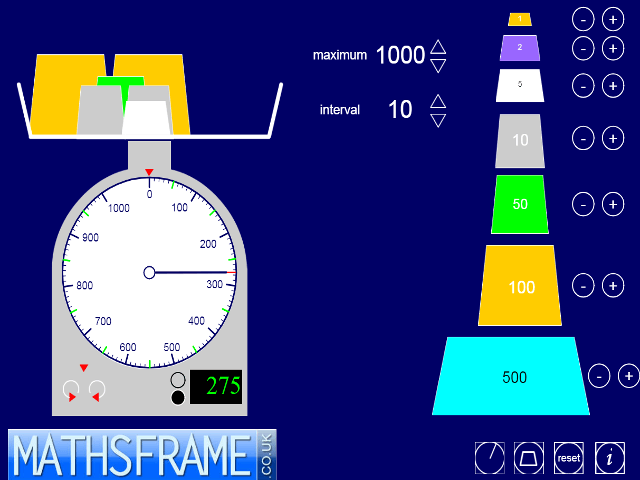
View full screen in your browser. This ITP allows you to add different masses to or from a scale pan. You can add masses of 1, 2, 5, 10, 50, 100 and 500 units. The pointer or hand shows the total mass. This can be hidden to promote children’s prediction skills. The maximum value of the circular scale can be changed together with the size of the interval. A digital readout can also be hidden or displayed. A red marker can be used to keep a track of previous values and to set target quantities.
The ITP can be used to support children’s calculation strategies. Using different scales can support their estimation skills in reading circular scales and solve problems set in the context of mass.
This resource is freely available to download from the archived Primary Framework site.
For more measuring and time resources click here.
| VIEW |
| ITP thermometer |
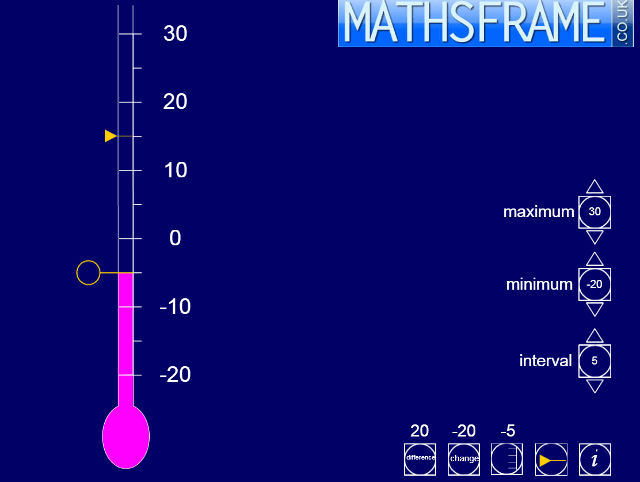
View full screen in your browser. This ITP displays a thermometer. The scale, range and the interval markers can be changed and a slider control can be dragged up and down the length of the thermometer to set the height of the column. A second marker indicates the last reading so that comparisons can be made. This marker can be fixed in position if required. The positive or absolute difference between two values can be displayed, and the change in the temperature as the marker is moved. The ITP can be used to develop children’s understanding of vertical scales and negative numbers in the context of temperature. The slider controls can be used to introduce and model strategies for addition and subtraction that involve positive and negative numbers. The language of number can be developed, giving meaning to calculations such as subtract negative 3 from negative 7.
This resources is freely available to download from the archived Primary Framework site.
For more measuring and time resources click here.
| VIEW |
| ITP clock |
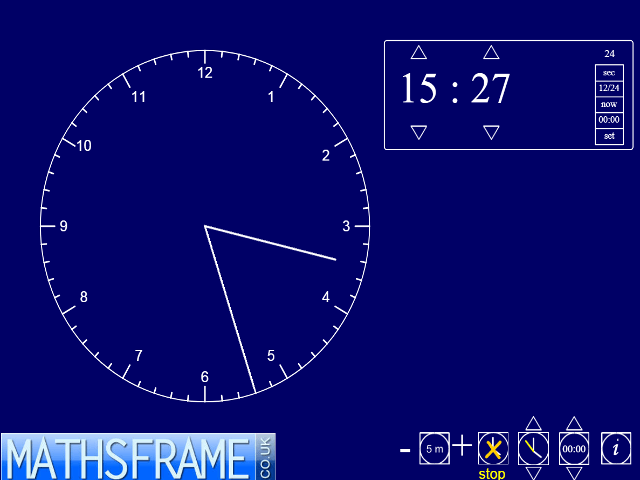
View full screen in your browser. This ITP displays on-screen analogue and digital clocks separately or together. The clocks can be moved around the screen and their sizes altered. Times can be adjusted in different intervals of time. The ‘set’ option on the digital clock is used to set the time shown on the clocks. Once you have selected your options click on ‘set’ again to restart the clocks. The clocks can run in real time or from a set time and over any interval. The clock can be stopped and started. The ITP can be used to support the teaching of the telling of time, to identify time before and after given intervals and to undertake calculations that involve time.
This resource is freely available to download from the archived Primary Framework site.
For more measuring and time resources click here.
| VIEW |
| ITP Polygon |
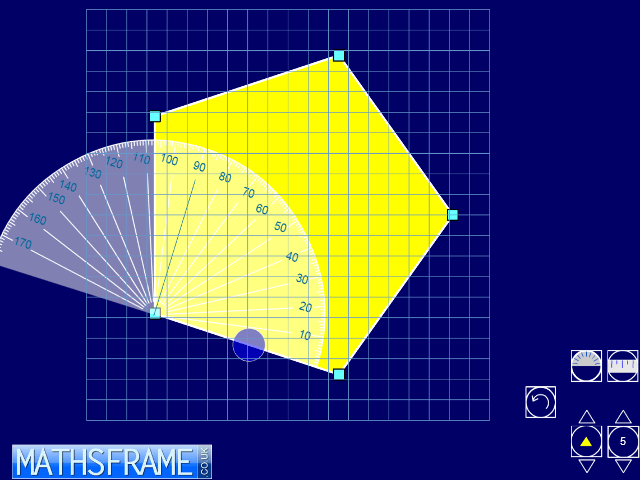
View full screen in your browser. This ITP displays regular polygons with 3 to 10 sides. A background grid can be revealed and hidden and the displayed polygon can be enlarged using the pointers on the polygon button. The polygon can be translated and rotated. A vertex on the polygon can be dragged to another position to change its shape and properties. Double clicking on a vertex allows you to add remove the vertex or to add an extra vertex at the mid point of an adjacent side. You can use the ruler or protractor to measure dragging it and using the circular button to rotate it to the required position.
The ITP can be used to explore the properties of regular and irregular polygons. Children’s understanding of the angular properties of polygons can be developed. Children’s hypotheses about properties of sides and internal and external angles can be verified by measurement. Using the grid, children can explore the areas of polygons; identify which polygon’s vertices fit onto the grid points and look at how they calculate the areas of rectilinear shapes.
This resource is freely available to download from the archived Primary Framework site.
For more shape and space resources click here.
| VIEW |
| ITP Calculating Angles |
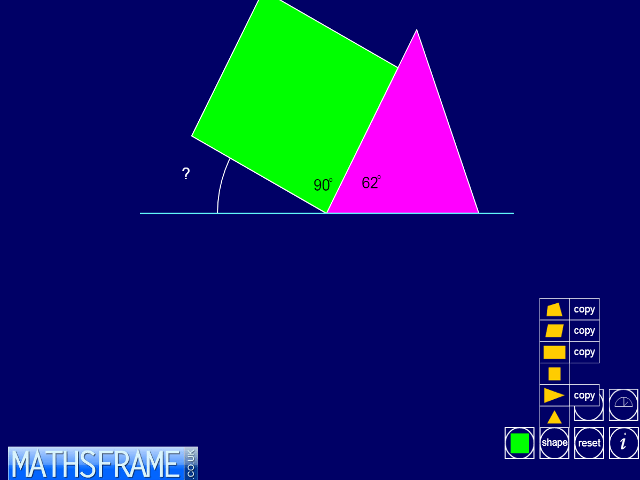
View full screen in your browser. This ITP allows you to place shapes around a point and investigate their angles. You can opt to display the shapes in one, two or four quadrants. The first shape is placed on the screen in the first quadrant with one of its sides horizontal.
Additional shapes are rotated around the central point to fit against the previous shape. In some shapes side lengths and angles are generated randomly. Shapes generated can be dragged to new positions and overlaid to form new intersecting shapes and angles.
This resource is freely available to download from the archived Primary Framework site.
For more shape and space resources click here.

| VIEW |
| ITP Area |
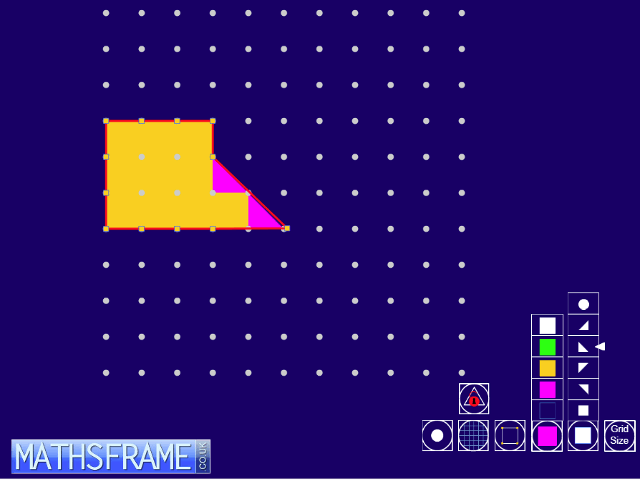
View full screen in your browser. This ITP allows you to colour in cells on a grid, a full cell or half a cell, or to place a circular counter into a cell. There are three choices of grid size: 5 by 5, 10 by 10 or 20 by 20. The grid can be hidden or replaced by a pin board around the points of which rubber bands can be stretched.
The making of different shapes and patterns can support the teaching of number, shape and space and problem solving, for example, to identify the positions of counters in a given sequence or to find the number of nets of an open cube. The flexibility offered by the ITP allows it to be used to support a variety of teaching and learning contexts in mathematics.
This resource is freely available to download from the archived Primary Framework site.
For more shape and space resources click here.
| VIEW |
| ITP Ruler |
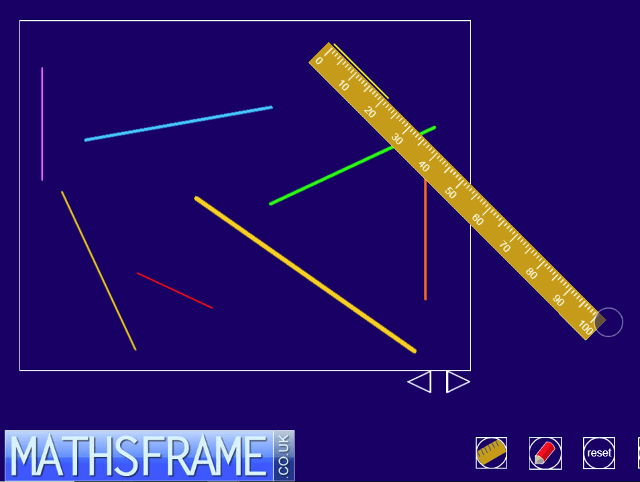
View full screen in your browser. This ITP displays an on-screen ruler you can use to measure lines and the sides of shapes. There is a choice of rulers and five screens to use to demonstrate measuring length. You can draw your own lines and shapes or select those that are available on the ITP. The ITP can be used to demonstrate how to use measure using different rulers. The ITP can be used to compare lengths and the perimeters of shapes and to support children’s understanding of scale. You can develop their ability to estimate length against a given scale and use the ruler to check the accuracy and demonstrate what to the nearest half and whole unit means.
For more measuring and time resources click here.
| VIEW |