| Description | | Description | |
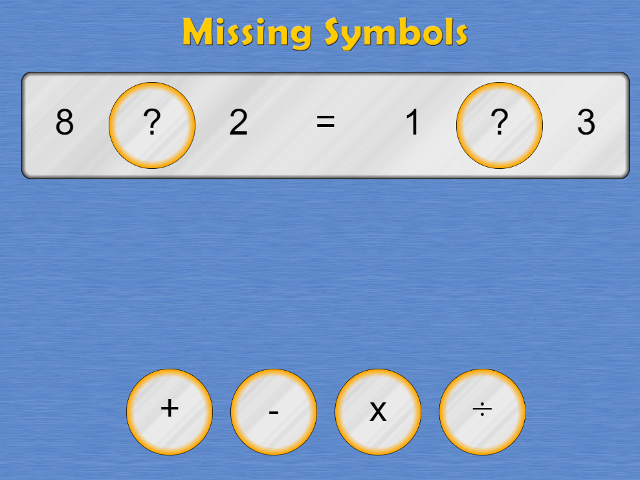
| Missing Symbols |
| VIEW |
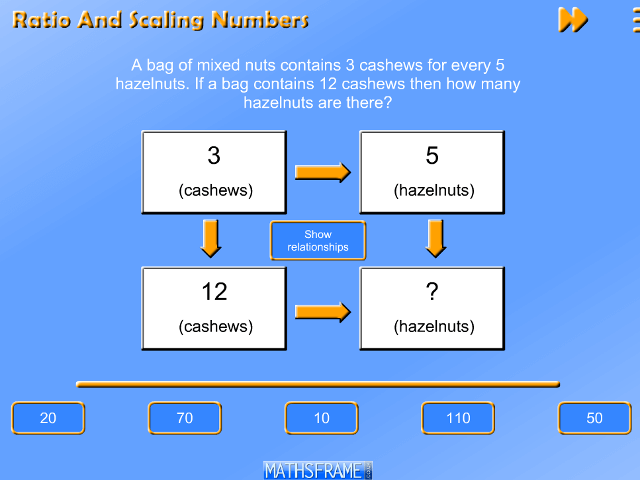
| Ratio and Scaling Numbers Word Problems |
Designed to help children to visualise the relationships between numbers when answering word problems involving ratio and scaling quantities. Children should see that sometimes it is easier to scale numbers in one 'direction' than the other, and that they can choose the most efficient method.
For more resources involving word problems click here.
| VIEW |
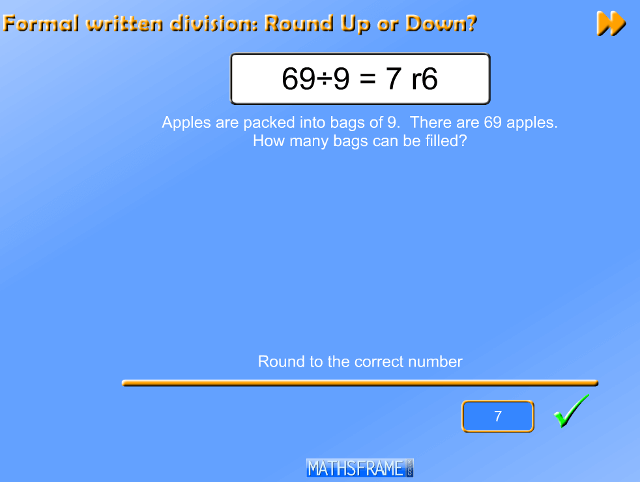
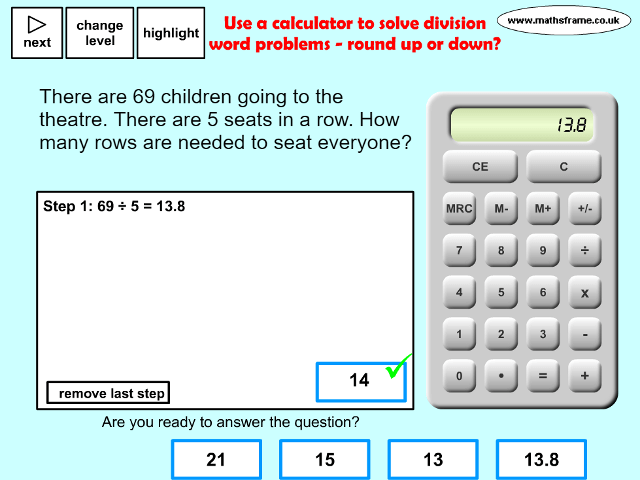
| Round up or down after division |
| VIEW |
| Representing Multiplication - arrays and number lines |
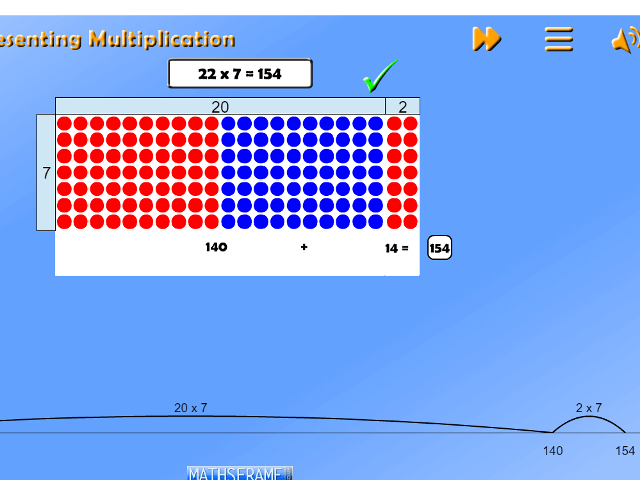
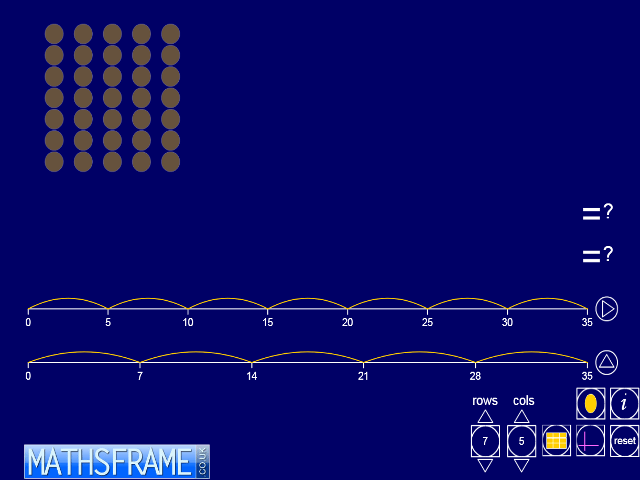
Represents multiplication using an array and by jumping on a number line. Great for developing an understanding of multiplication by partitioning.
| VIEW |
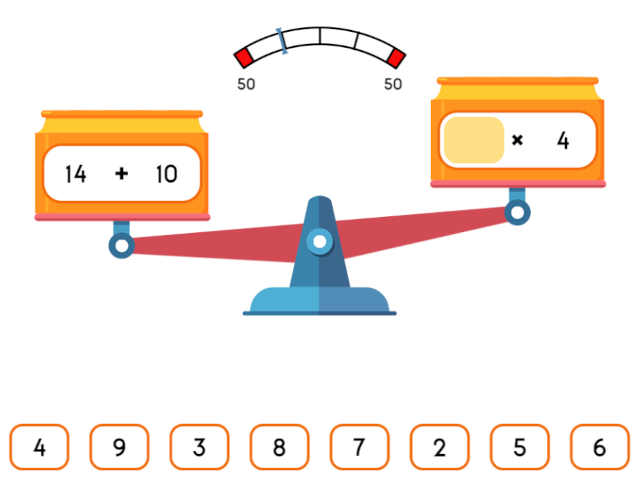
| Balancing Calculations |
Find the missing number to balance the calculations. An excellent tool for reinforcing an understanding of the role of the equals sign. Choose one objective, or many. You can choose all the objectives for a single year group (or multiple year groups). You can also choose to balance between different types of calculations (eg subtraction and division)
For more multiplication and division resources click here.
| VIEW |
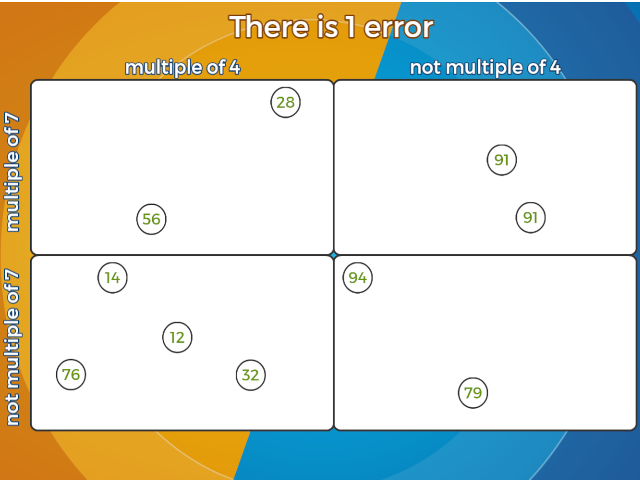
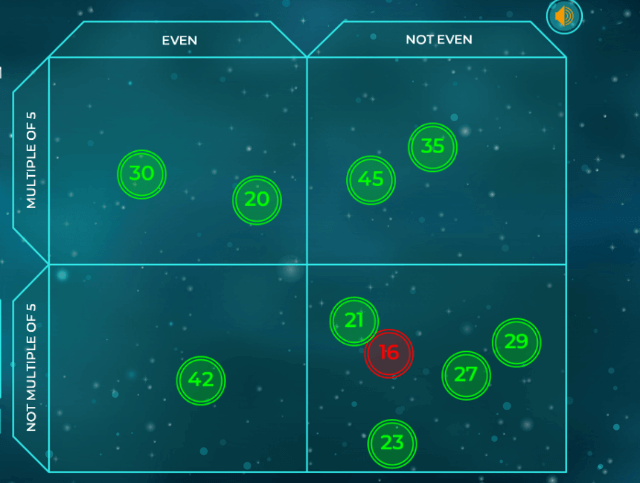
| Errors on a Carroll Diagram - Numbers |
| VIEW |
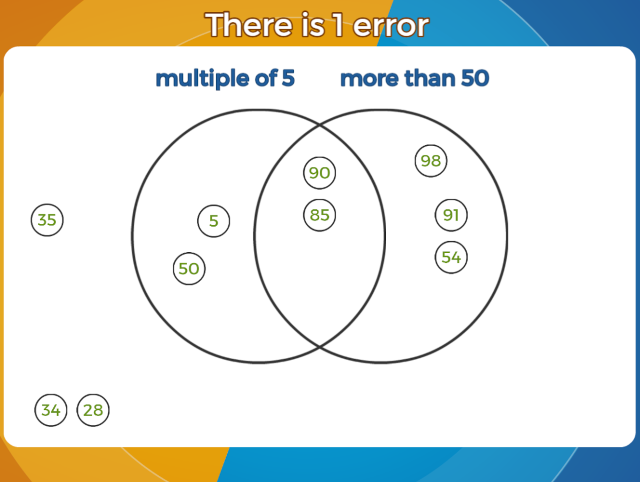
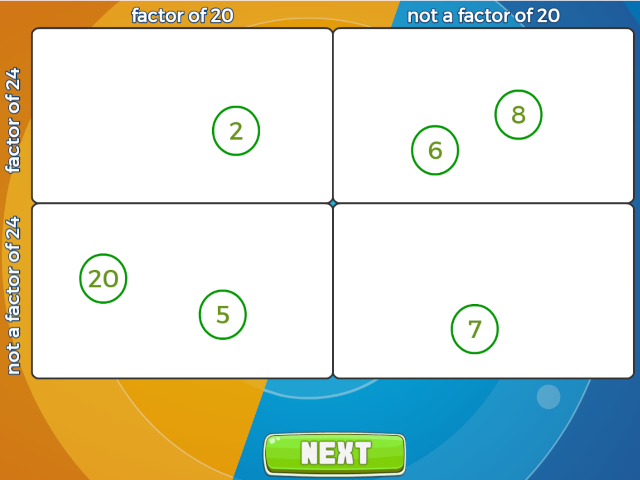
| Errors on a Venn Diagram - Numbers |
| VIEW |
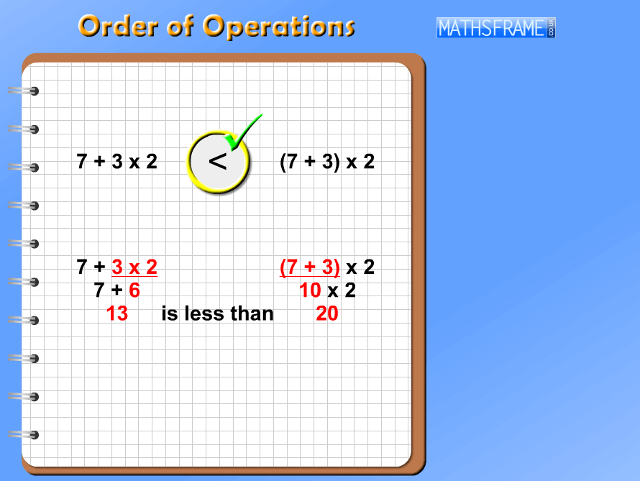
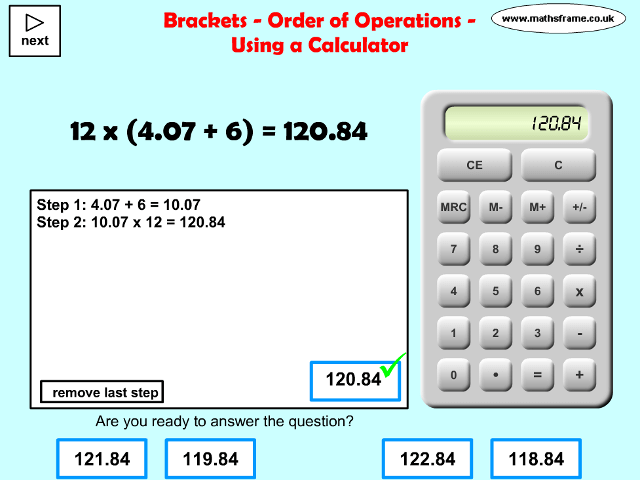
| Use brackets to order operations |
| VIEW |
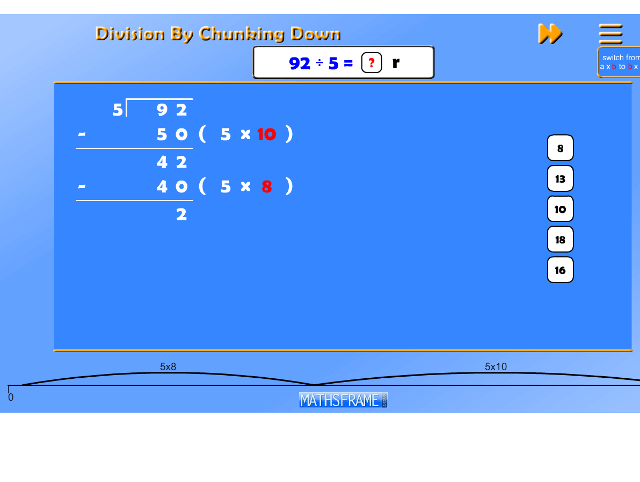
| Division by chunking down (repeated subtraction) |
Use repeated subtraction (represented on a number line) to solve division problems.
| VIEW |
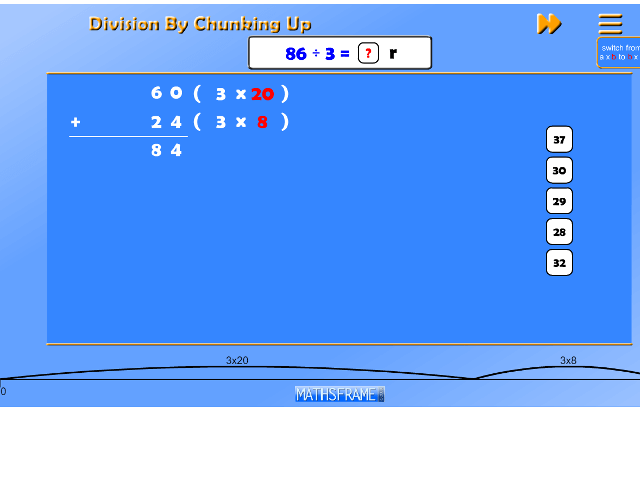
| Division by chunking up (repeated addition) |
Use repeated addition (represented on a number line) to solve division problems.
| VIEW |
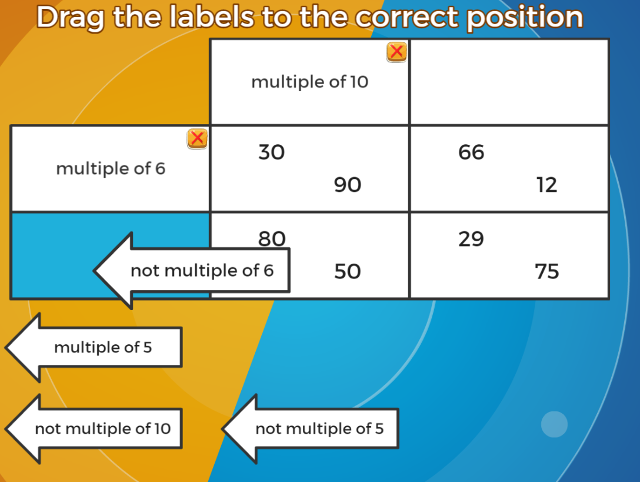
| Numbers on a Carroll Diagram - Missing Labels |
| VIEW |
| Sorting numbers on a Venn diagram |
| VIEW |
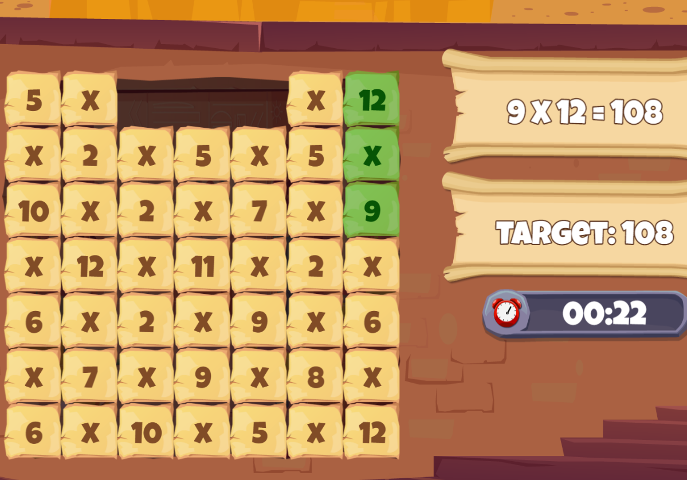
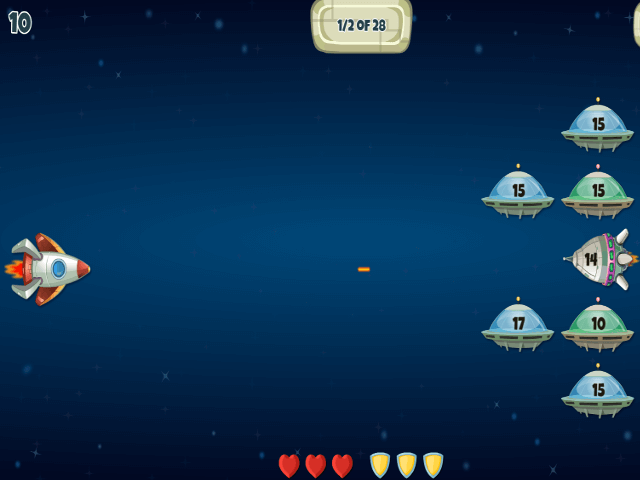
| Multiplication_Beat_The_Clock |
| VIEW |
| Multiplication - Grid Method |
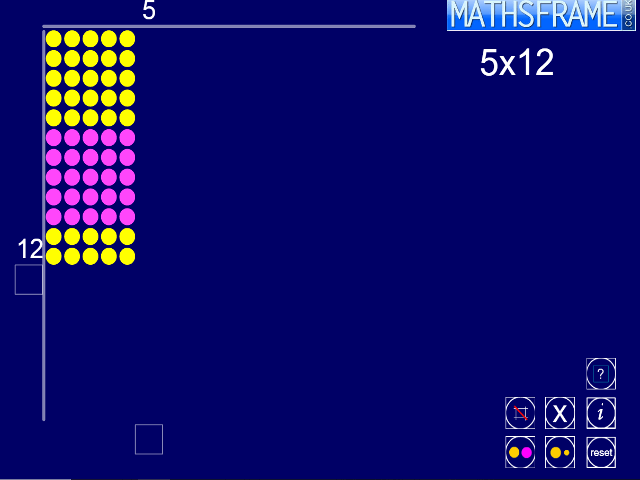
October 2012 - I have added a new game which represents multiplication on a number line and using a dotty array. It is ideal as an introduction to the grid method, as it provides a concrete image of how and why we partition numbers to multiply. Click here to play.
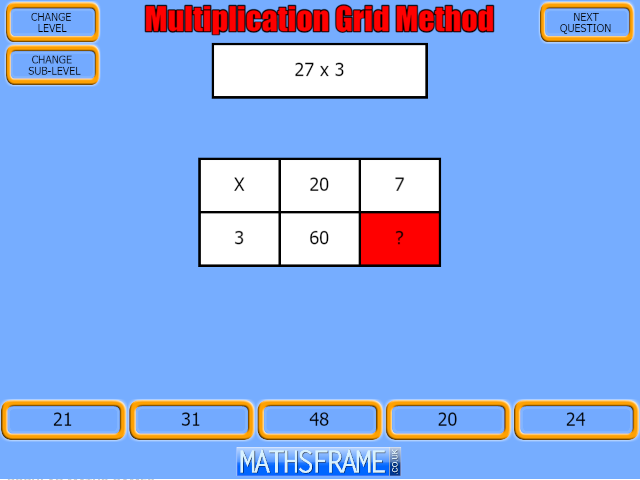
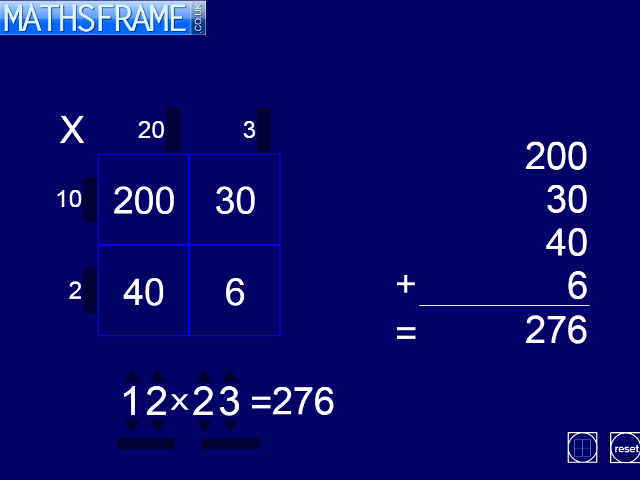
Multiply partitioned numbers using the grid method. Lots of choice of levels, inculding decimals.
For more multiplication and division resources click here.
| VIEW |
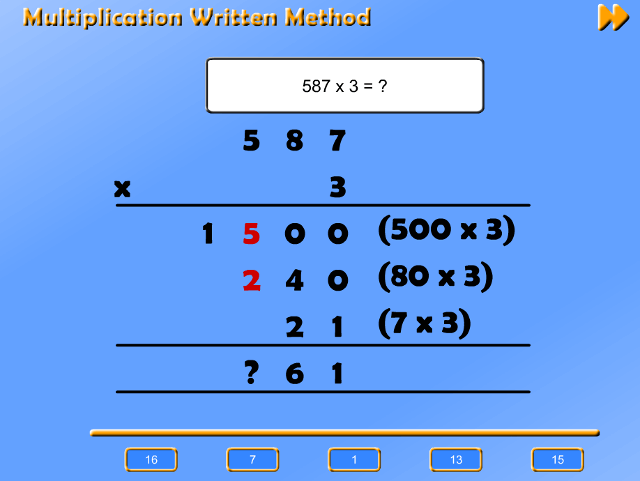
| Multiplication - Written Method |
| VIEW |
| Sorting numbers on a Carroll diagram |
| VIEW |
| Finding Factors |
| VIEW |
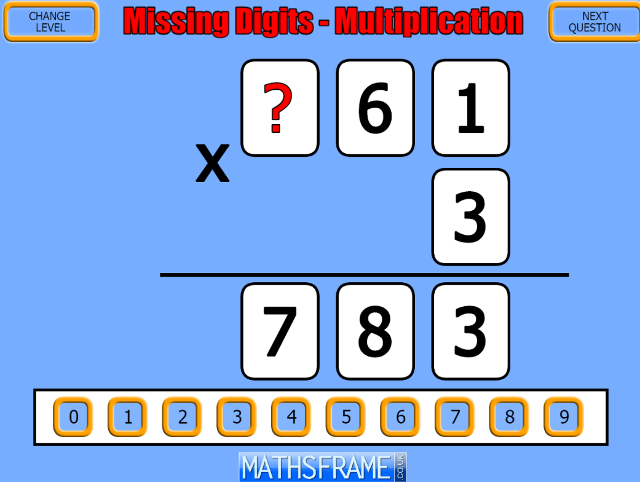
| Missing Digits Multiplication |
| VIEW |
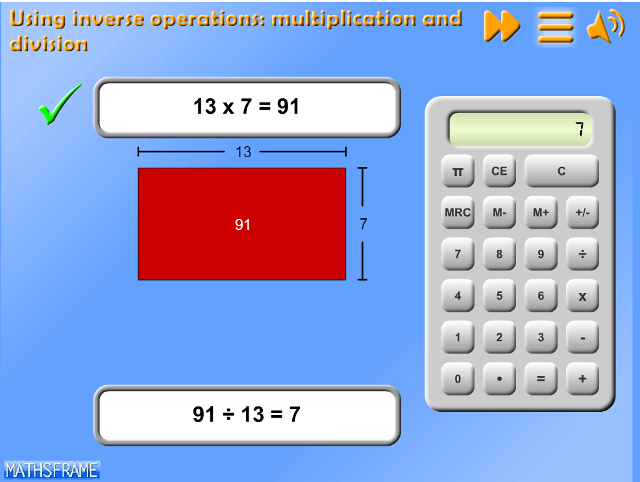
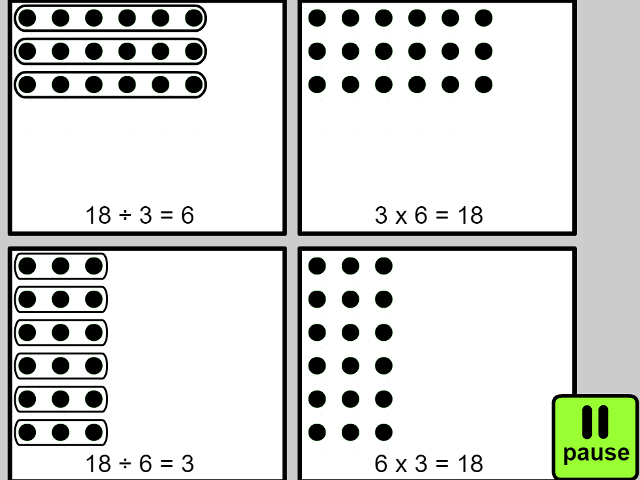
| Linking Multiplication and Division |
| VIEW |
| Money Multiplication problems |
| VIEW |
| Multiplication - Rapid Recall |
| VIEW |
| Division Rapid Recall |
| VIEW |
| Multiply and Divide by 10, 100 and 1000 (1) |
| VIEW |
| Multiply and Divide by 10, 100 and 1000 (2) |
| VIEW |
| Card Game - Matching Pairs |
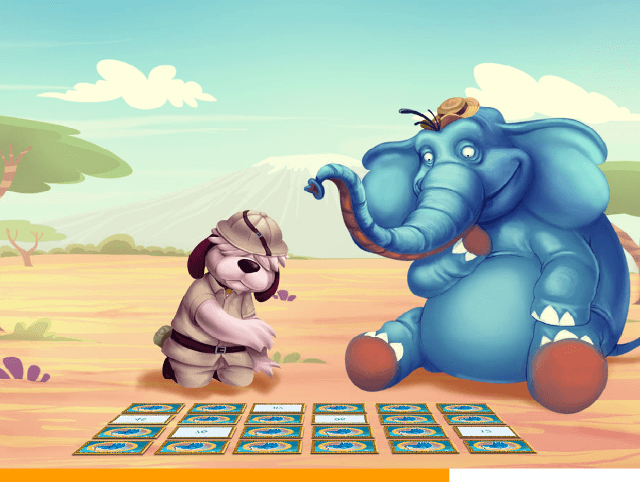
Match the pairs of cards with the same value. A great game to play as a mental starter. Over 50 levels to play including; addition, subtraction, multiplication, division, matching fractions and decimals and converting between measurements.
| VIEW |
| Placing Calculations on a Number Line |
| VIEW |
| Finding Multiples |
| VIEW |
| Ordering Calculations |
Order the calulations from those with the least value to the greatest. Lots of levels, including; addition pairs to 20, addition pairs to 100, addition and subtraction of multiples of 10, and multiplication of numbers up to 10.
For more comparing and ordering resources click here.
| VIEW |
| ITP Grouping |
View full screen in your browser. This ITP allows you to display up to 30 counters or shapes on the screen. You then select a number to be the divisor in a division calculation. A number line displays the number to be divided. As individual counters or shapes are clicked and dragged to form a group the size of the divisor, they change colour. Once a group equal to the divisor is selected, it ‘jumps’ to the number line. In this example 22 counters were chosen and the divisor set to 5.
In the example shown below, 3 sets of 5 shapes have been selected and moved to the number line, which shows each group as a jump. Four more counters have been dragged together and the fifth is about to be selected. The answer to the division calculation is shown at the bottom of the screen.
The ITP can be used to model division as grouping and to link this process to jumps on a number line. It can also introduce children to how remainders are recorded in the answer.
This resource is freely available to download from the archived Primary Framework site.
For more multiplication and division resources click here.
| VIEW |
| ITP Multiplication Array |
| VIEW |
| ITP Multiplication Tables |
| VIEW |
| ITP Number Dial |
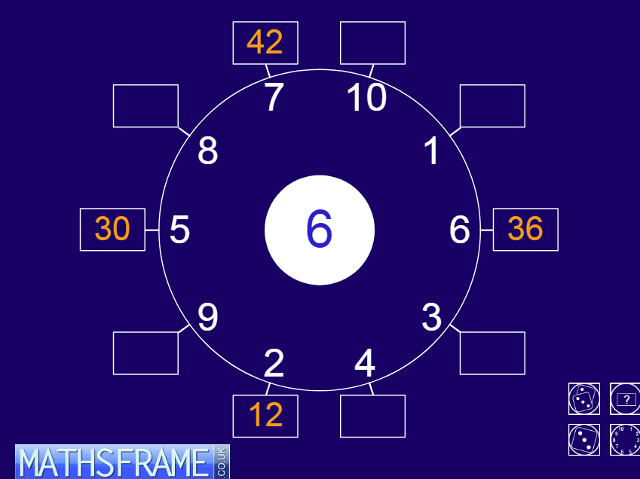
View full screen in your browser. This ITP generates a number dial. The empty boxes around the outside of the dial contain multiples, the number in the centre multiplied by the corresponding multipliers around the inside edge of the dial. To reveal and hide the number at the centre, click on it or the box with the two pointers. To reveal and hide each multiple, click on the box. To reveal and hide all multiples, click on the box with ?. To reveal and hide all multipliers, click on the box with the dial. You can change the centre number to a single digit in the range 2 to 9, a multiple of 10 from 10 to 90, and to a decimal 0.1to 0.9. The single dice button generates a random centre number; all numbers bar the multipliers are hidden. The double dice button also reorders the multipliers around the inside edge of the dial and all the numbers are hidden. The ITP can be used to practise multiplying by one- and two-digit numbers and decimals. Hiding different sets of numbers on the dial promotes reasoning and explanation.
The ITP can also be used to practise the recall of division facts and use of these number facts to generate other facts. Setting the numbers on the dial in a context also provides opportunity for problem solving.
This resource is freely available to download from the archived Primary Framework site.
For more multiplication and division resources click here.
| VIEW |
| ITP Remainders |
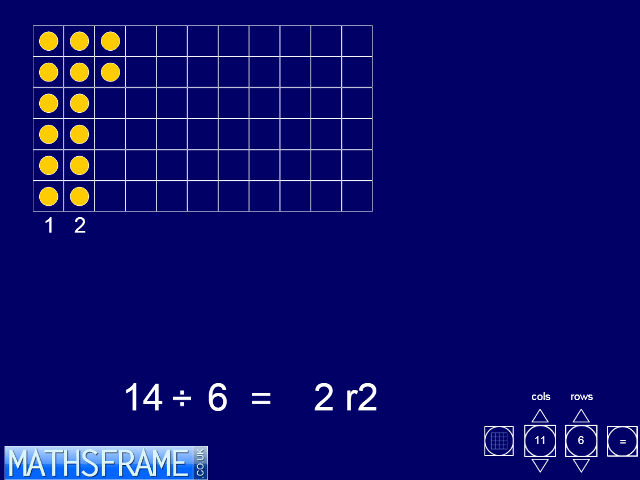
View full screen in your browser. This ITP sets up an empty grid into which you can place counters. Counters can be added singly, working from the first empty top left-hand corner cell, or in bulk clicking on a cell in the final row. As each column is completed it is numbered. The division calculation representing the number of highlighted counters divided by the number of rows can be revealed and hidden using the equals sign button. The answer appears when the equals sign in the calculation is clicked. Any remainder can also be shown as a fraction. In the example, below, there are 17 counters in a grid with 5 rows. Three columns are completed and there are 2 counters in the incomplete column. The displayed result will be:
17÷ 5 = 3r2 or 17÷ 5 = 3 2/5
Removing or highlighting extra counters will change the calculation displayed.
The ITP can be used to demonstrate division as grouping, and to develop children’s understanding of remainders and the notation for division. Keeping the number of counters fixed but changing the number of rows demonstrates the effect of changing the divisor in the calculation. Children can explore the effect different divisors has on the remainder and they can look for division calculations whose remainders satisfy particular properties.
This resource is freely available to download from the archived Primary Framework site.
For more multiplication and division resources click here.
| VIEW |
| ITP Function Machine |
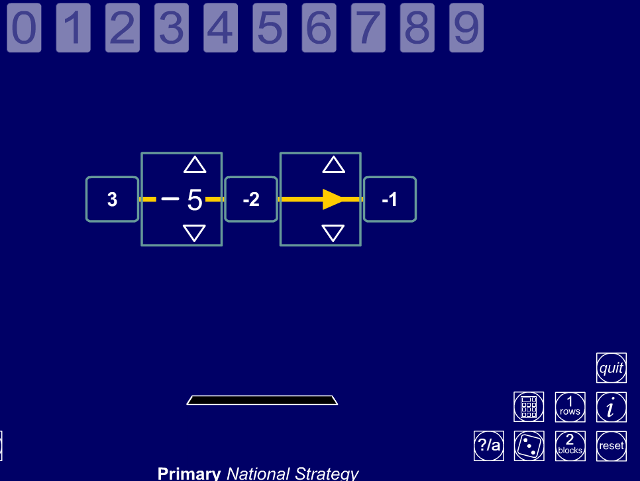
View full screen in your browser. One or two-step function machine. Choose an input and explore how it is transformed by one or two number functions.
This resource is freely available to download from the archived Primary Framework site.
| VIEW |
| ITP Number Grid |
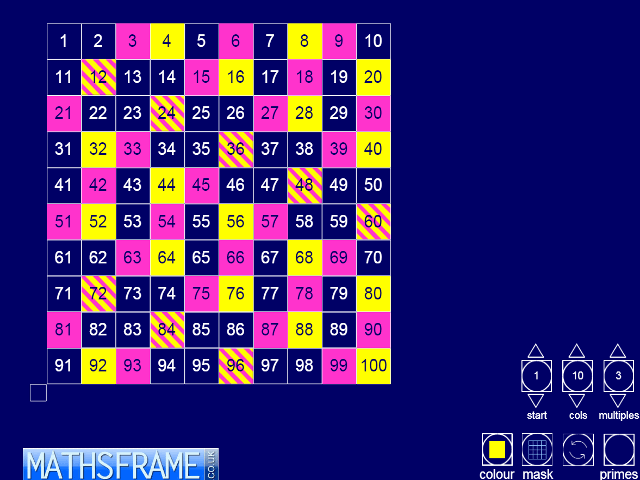
View full screen in your browser. This ITP generates a 100 square. Choose a colour or the grey mask. You can then click on individual cells to hide or highlight them in different colours, and by clicking on the box at the left-hand foot of the grid and using the pointers you can hide or highlight rows and columns. The prime numbers and multiples can also be highlighted.
You can change the number of columns from 3 up to 13, the starting number, and its position – either top left corner or bottom left corner of the grid. Choose the mask option to create a temple that can be moved around the grid to hide or highlight particular groups of cells. The template can be rotated using the single arrow button.
The ITP can be used to explore different multiples, number sequences and patterns on grids of different sizes. The superimposed masked template can provide practice at adding groups of numbers and enable children to hypotheses about the sums and difference of the numbers.
The ITP can develop children’s ability to predict and generalise. Changing the number of columns provides a new grid to test general statements about the relationships between numbers and to look for counter examples.
This resource is freely available to download from the archived Primary Framework site.
For more addition and subtraction resources click here.
| VIEW |
| ITP Multiplication Facts |
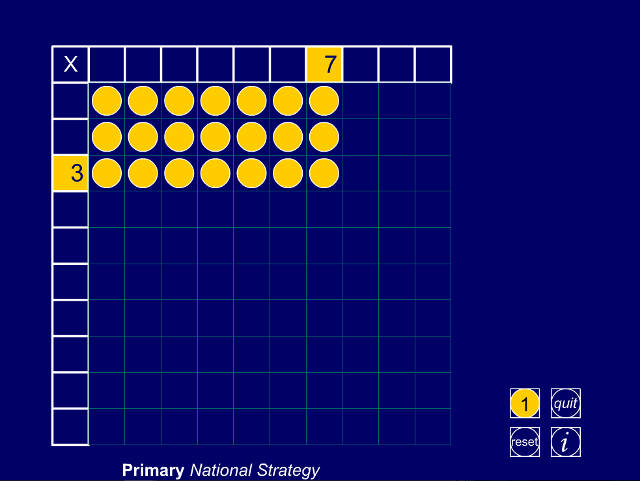
View full screen in your browser. This ITP allows you to represent multiplication as repeated addition using a grid of blocks or counters.It can be used to develop children’s understanding of multiplication and to develop links between the different representations and notation. The dynamic images should help children to understand why 5 x 9 means that the 5 is multiplied by the 9, and to recognise that multiplication is a commutative operation.
This resource is freely available to download from the archived Primary Framework site.
For more multiplication and division resources click here.
| VIEW |
| ITP Multiplication Board |
| VIEW |
| ITP Division Grid |
View full screen in your browser. This ITP allows you to model long division in a grid of thousands, hundreds, tens and units or hundreds, tens and units. You create a dividend and divisor by clicking on the hidden pointers above and below the digits in the calculation at the bottom of the screen.
The dividend is partitioned into thousands, hundreds, tens and units in the grid and the divisor appears on the left-hand side below the multiplication sign.
This resources is freely available to download from the archived Primary Framework site.
| VIEW |